Mithu Web IDE combines drag & drop web design with professional HTML, CSS and JavaScript editing. Create websites faster without sacrificing control.
<!DOCTYPE html>
<html lang="en">
<head>
    <meta charset="UTF-8">
    <meta name="viewport"
          content="width=device-width,
          initial-scale=1.0">
    <title>My Website</title>
    <link rel="stylesheet"
          href="style.css">
</head>
<body>
    <header class="navbar">
        <h1>My Website</h1>
        <button>
            Download
        </button>
    </header>
    <script src="script.js">
    </script>
</body>
</html>
A seamless combination of visual designing and professional coding.
Build layouts visually without writing repetitive HTML.
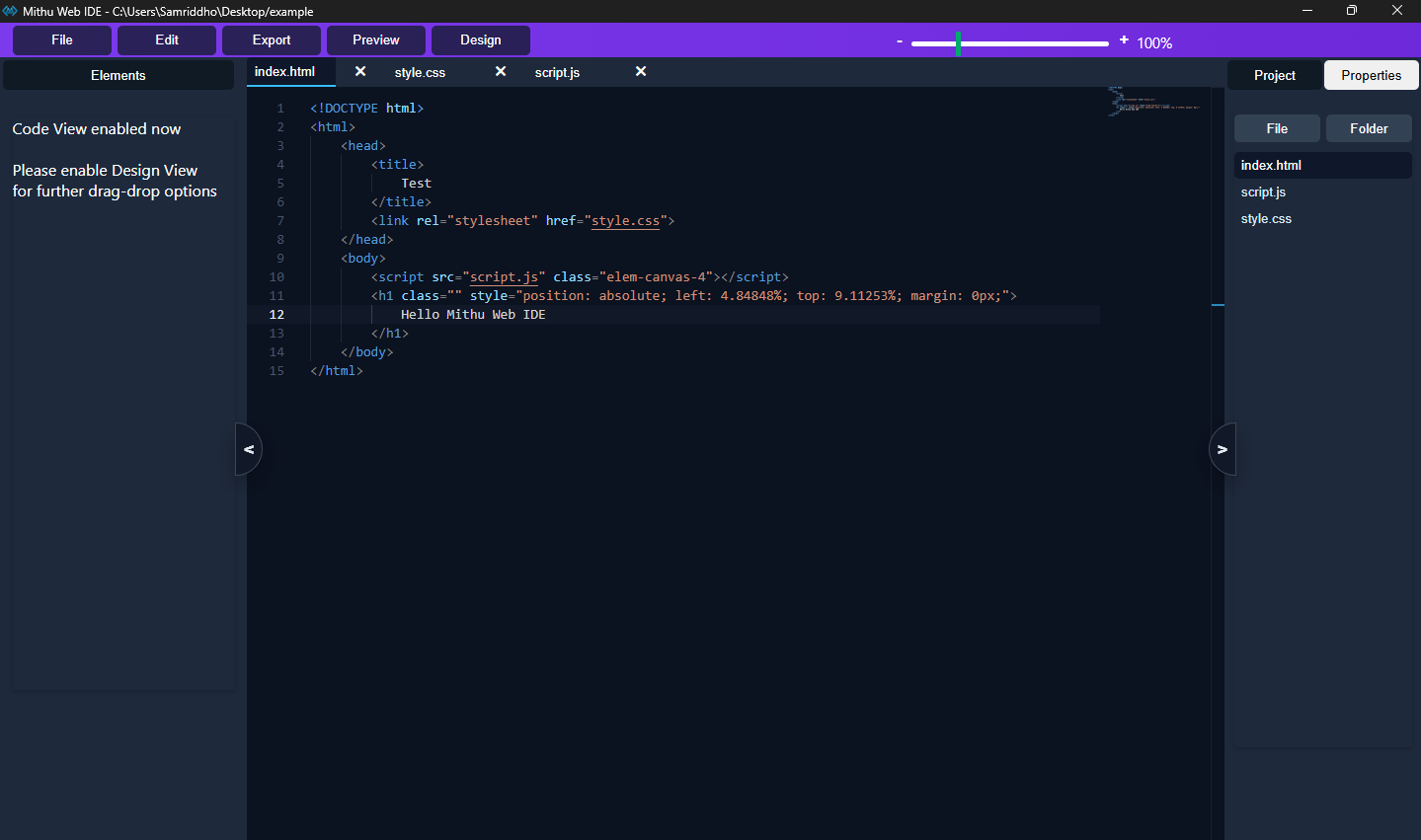
Experience VS Code level editing directly inside the IDE.
Edit visually or through code. Both stay synchronized.
Organize your project like a professional developer.
Export projects instantly for hosting or deployment.
Lightweight architecture built with Electron.
Watch how quickly websites can be designed visually.
Crafted carefully for developers.
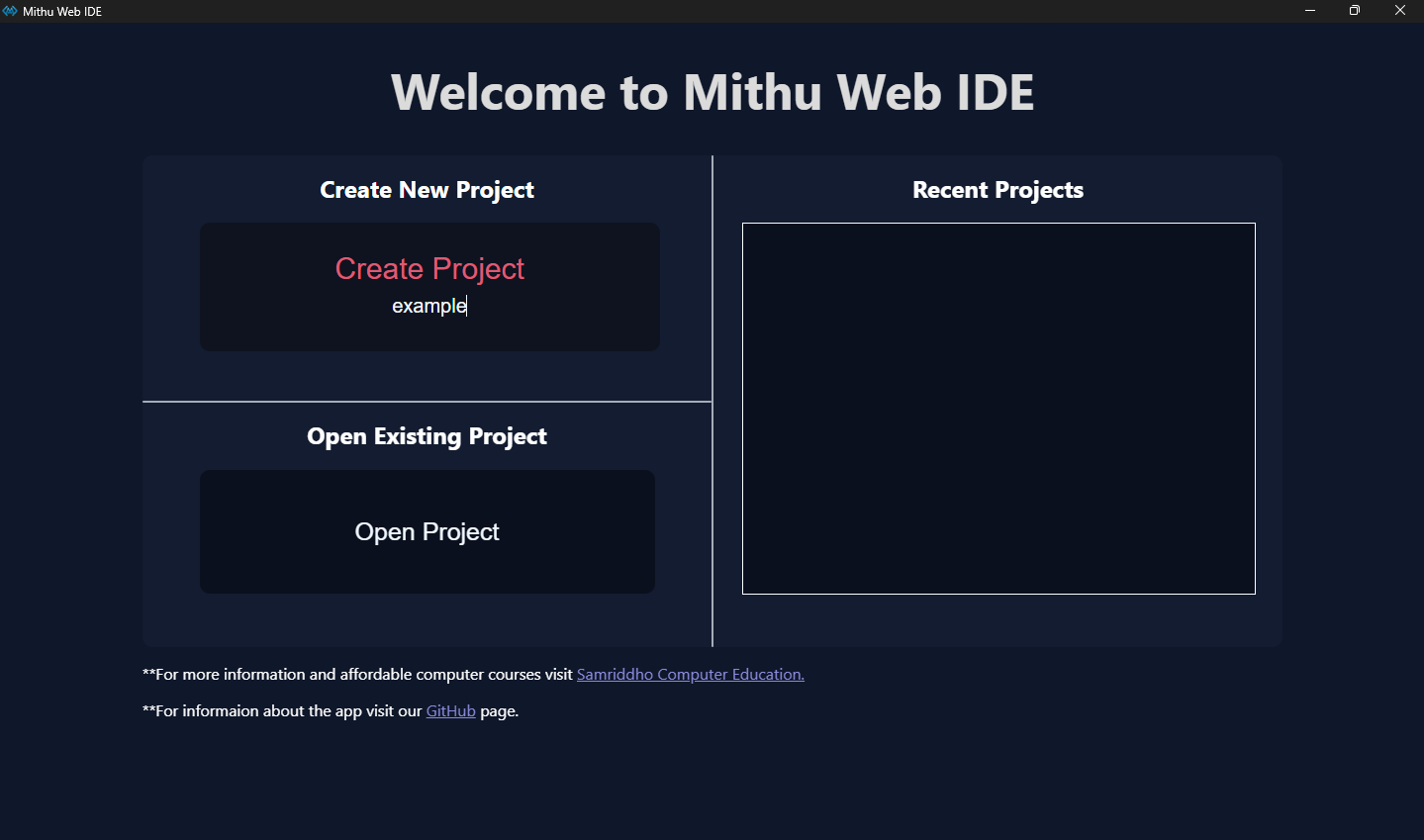
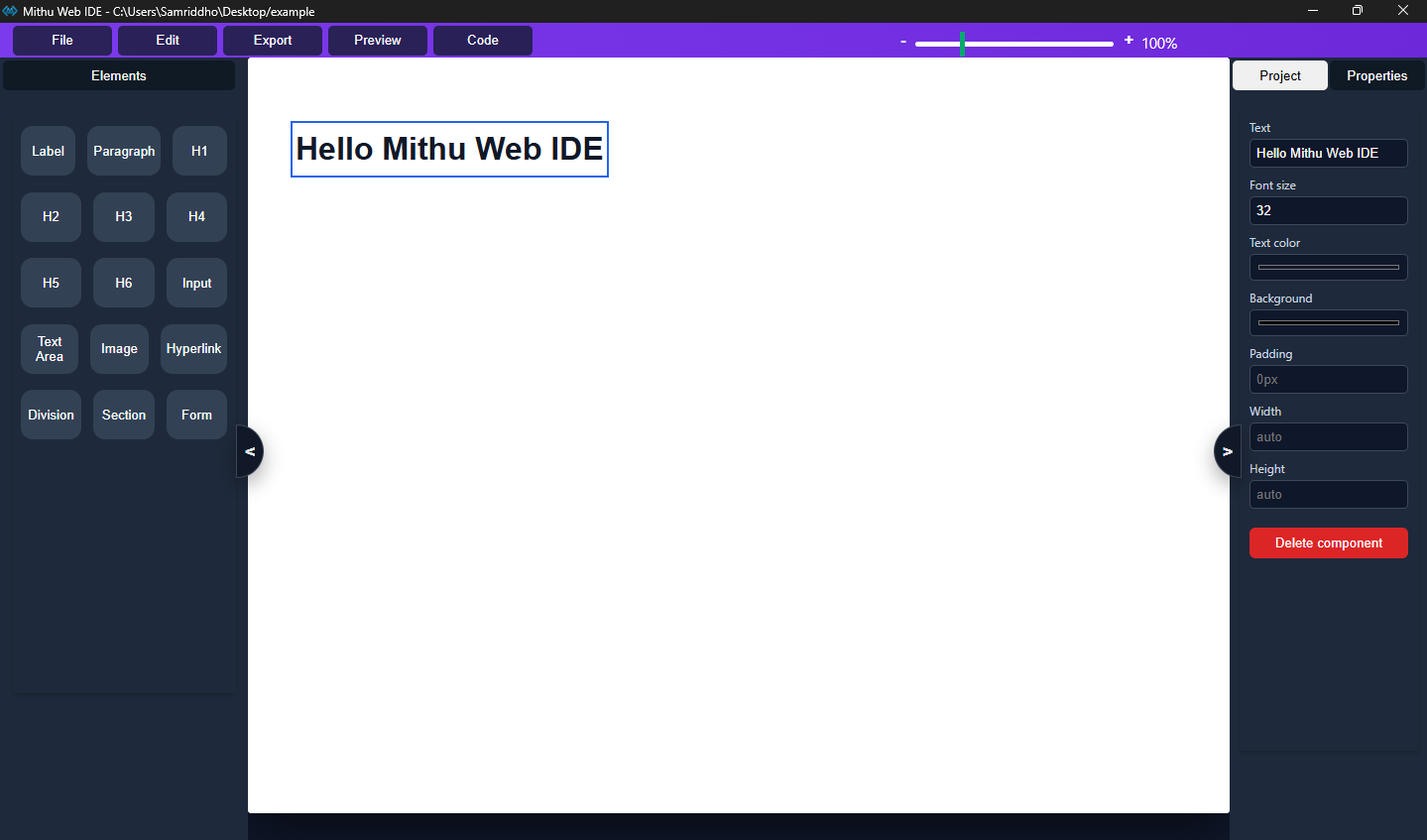
Drag and drop HTML components onto the canvas.
Change properties, styles and layouts instantly.
Edit HTML, CSS and JavaScript professionally.
Deploy your website anywhere.
Mithu Web IDE is continuously evolving with exciting features planned for future releases.
Drag & Drop Builder, Monaco Editor, Live Synchronization, Project Explorer, Property Panel.
Component Library, Templates, Better Preview, Asset Manager.
Plugins, Themes, AI Assistant, Extensions, Multi-page Builder.
Download the latest preview of Mithu Web IDE and experience visual web development.
Yes. Version 1 is planned to be freely available.
Windows currently. Linux and macOS are planned.
Absolutely. It is designed for both beginners and professionals.